
stop supporting corporations further
i love getting games for free. ill show you how i get my games for free
i recently rebuilt freesmlauncher, and did it all "responsibly".
sed -i 's/-Werror//g' on your build.ninja
patchelf --add-rpath /usr/pkg/qt6/libnetbsd's default linking paths are not inclusive, and where libraries live are retarded. i had to add rpaths to the binary so it could find qt libraries and such.
liblwjgl64.so into ~/.local/FreesmLauncher/instances/ur.instace.bro/natives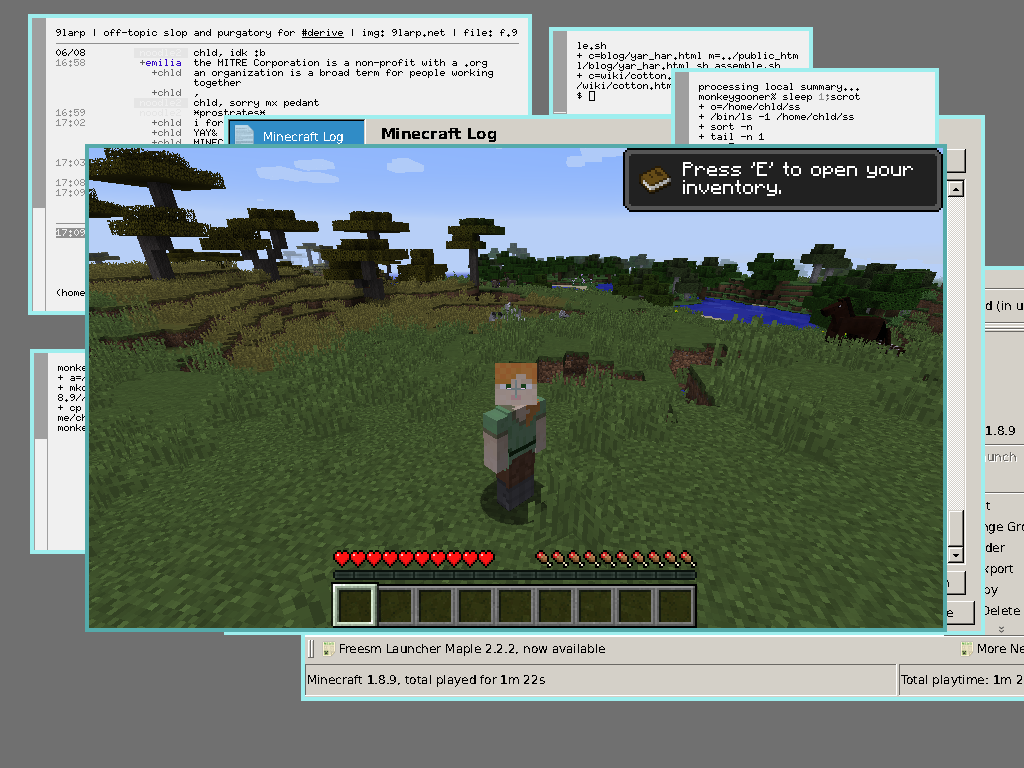
at the moment, only lwjgl2 has been ported to netbsd.
a bit harder than i thought it would be, but hey. im running it right now and minecraft is good on it.
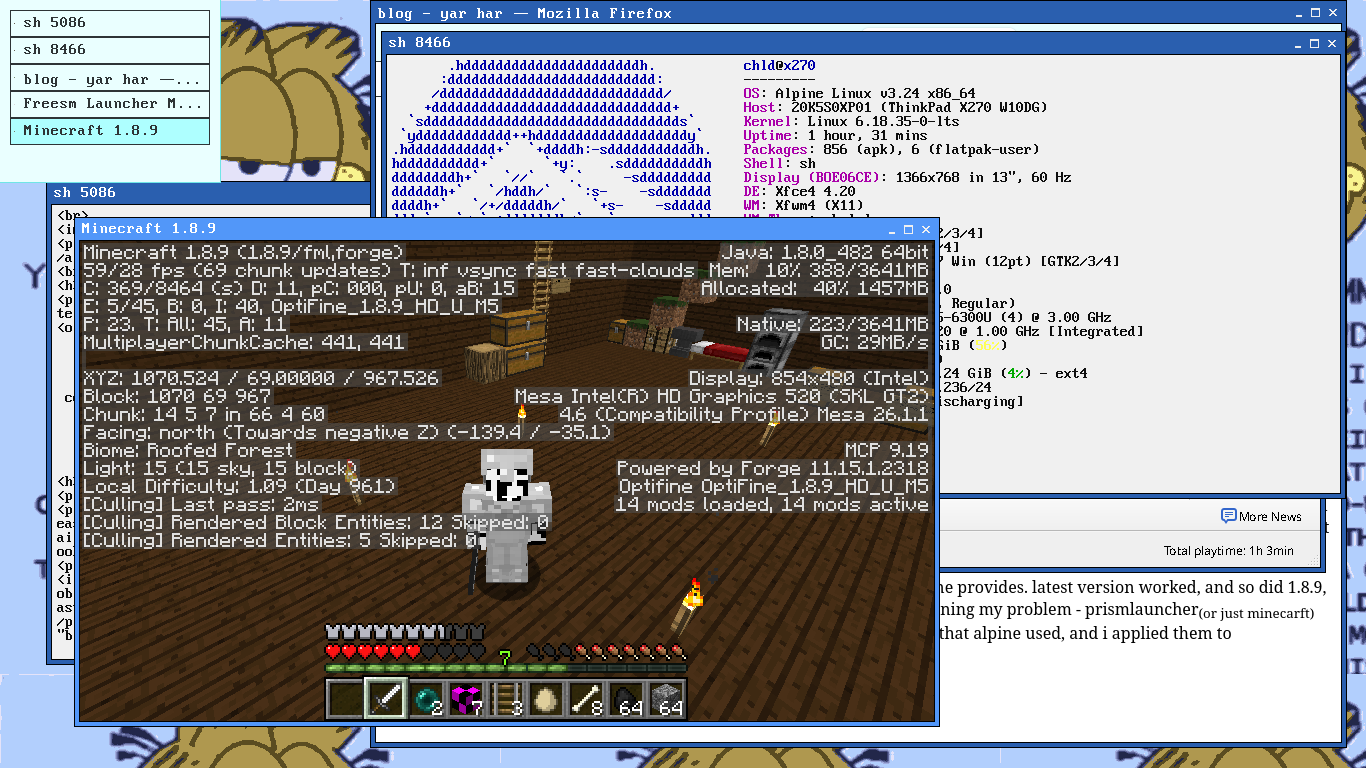
so i first thought that freesmlauncher would work out of the box, which was very wrong. when minecraft didnt launch due to some openal reason, i almost lost my mind. i read a wiki on it, reread the musl section, all to no avail! i looked at the pkgs page for alpine linux, but it looked like it had no patches. so i digged, and digged.
firstly, i ran a minecraft demo with the prebuilt prismlauncher alpine provides. latest version worked, and so did 1.8.9, my main play. whaaaaaat? i looked around on a github issue concerning my problem - prismlauncher(or just minecarft) on musl, and it mentioned aports. that is where i found the patches that alpine used, and i applied them to freesmlauncher. boom!
steamunlocked among tends not to work. dont fear! you can among us for free with wine + Among Us Launcher
and to use an account, download the itch io fixer here
pirating is fun, do it now.